▪️Sending Messages via Smartico REST API
General Information
Example API Request
curl --request POST \
--url 'https://apis.smartico.ai/api/external/events/v2' \
--header 'Authorization: your-private-auth-key' \
--header 'Content-Type: application/json'Example JSON Body
[
{
// unique UUID of the request
"eid": "96b60b08-25f0-4129-b363-ef0d4db780ef",
// UTC timestamp of the request
"event_date": 1680106470149,
// brand ID in your system, you can
"ext_brand_id": "your-external-brand-id",
// user ID in your system
"user_ext_id": "id-of-the-user-your-system",
// event type
"event_type": "core_personal_message",
"payload": {
"title": "Title of the message",
"short_message": "Short message content",
"rich_message": "<b>some rich message</b>",
"icon": "https://mycdn.com/image.png",
// channel type: inbox-api, email, sms, push, viber, whatsapp
"channel": "email"
}
}
]Setting Up Templates and Journeys
1. Create a Message Template

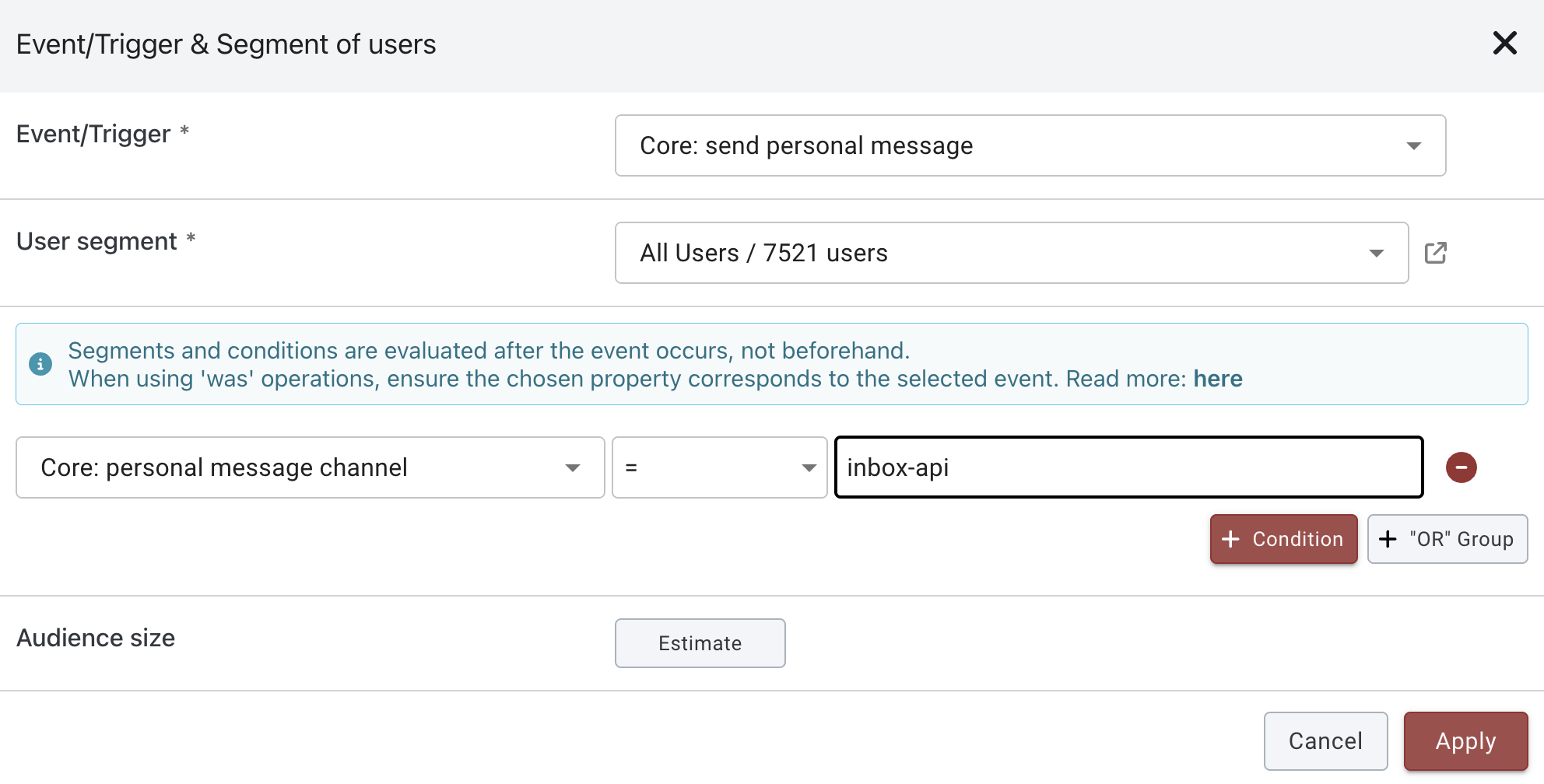
2. Configure the Journey


3. Build the Journey Flow

Summary
Last updated
Was this helpful?