> For the complete documentation index, see [llms.txt](https://help.smartico.ai/welcome/llms.txt). Markdown versions of documentation pages are available by appending `.md` to page URLs; this page is available as [Markdown](https://help.smartico.ai/welcome/products/mini-games/custom-skins-for-mini-games/voyager-skins.md).
# Voyager Skins
{% hint style="success" %}
We can provide a Figma template for Mini-games skins upon request.
Please note that any images exported from the template must be compressed before uploading them to the Back-Office. You can use [this link](https://tinypng.com/) to compress your images.
For further assistance, please contact your Customer Success Manager!
{% endhint %}
For general guidelines on skin uploads, 9-slice popup styling, and CSS customization, see [Custom skins for Mini-games](https://help.smartico.ai/welcome/products/mini-games/custom-skins-for-mini-games).
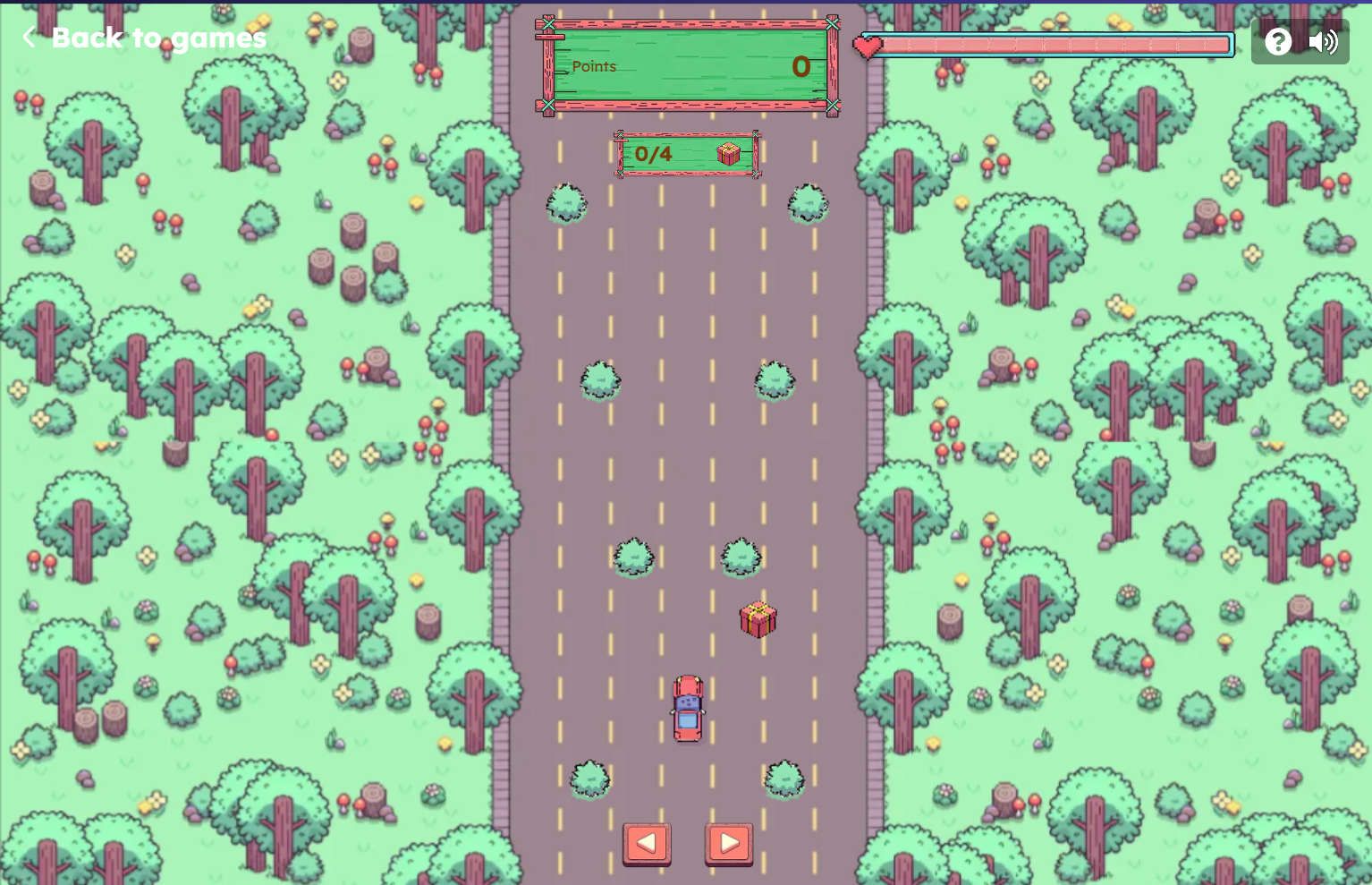
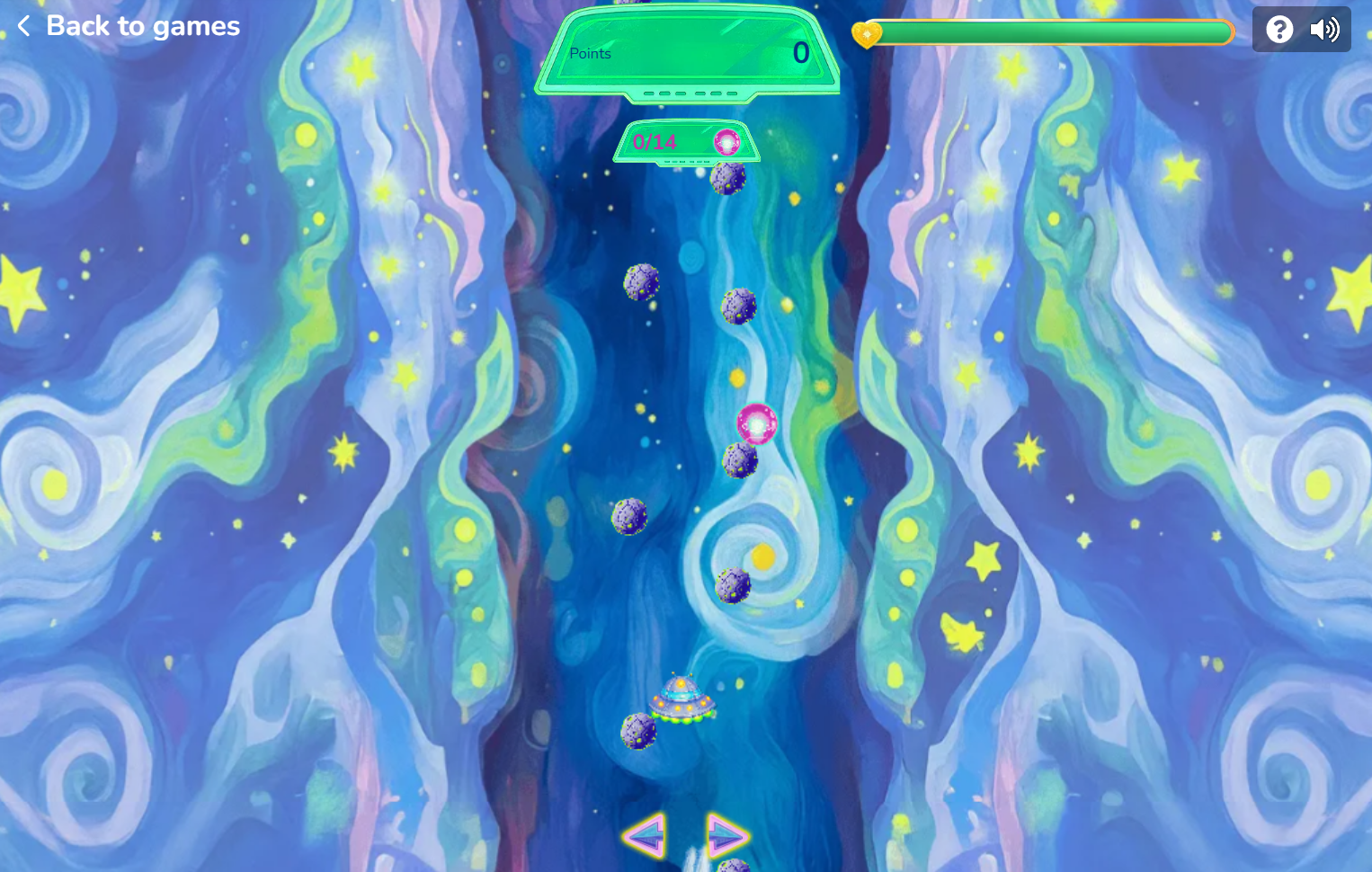
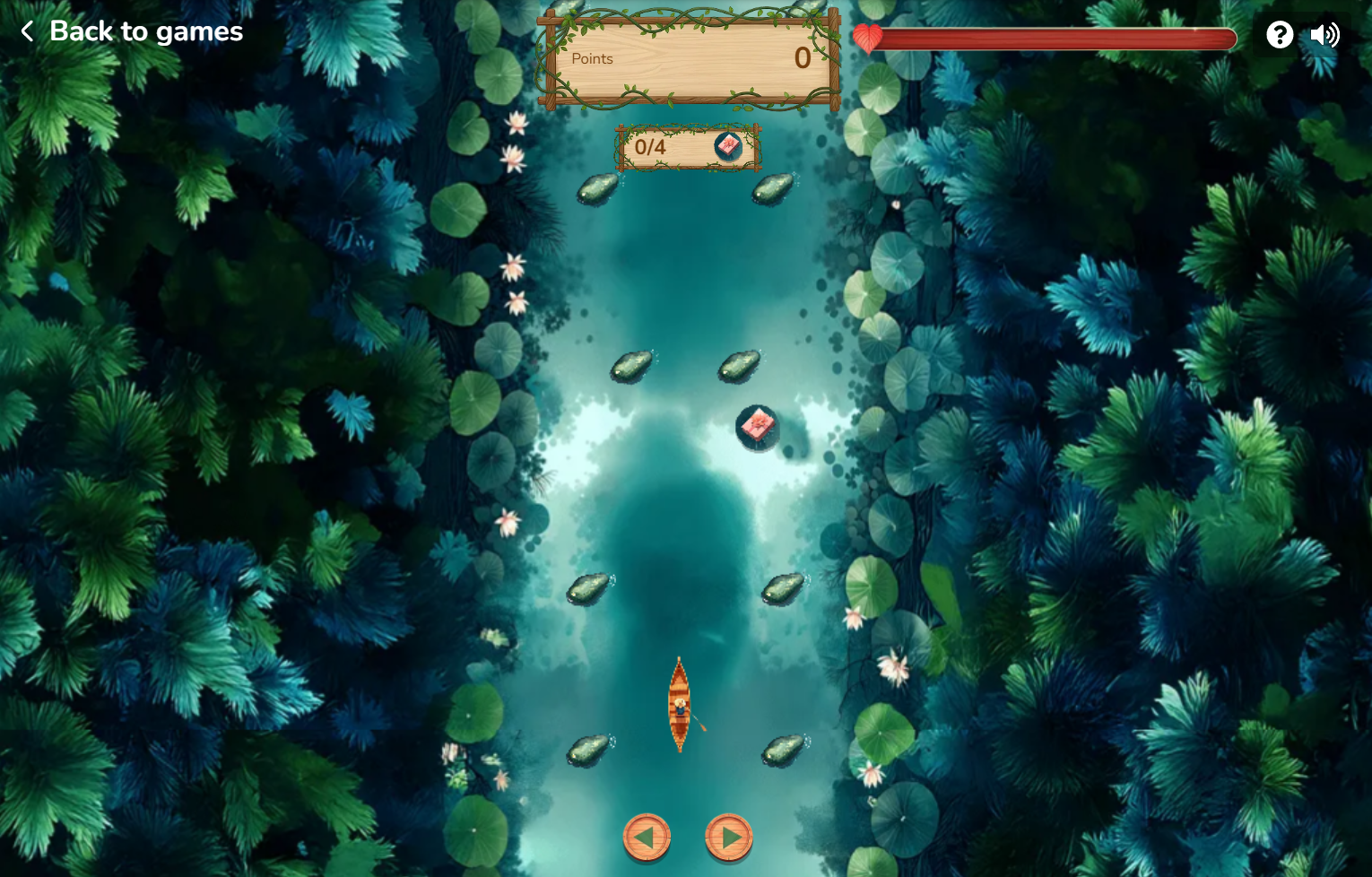
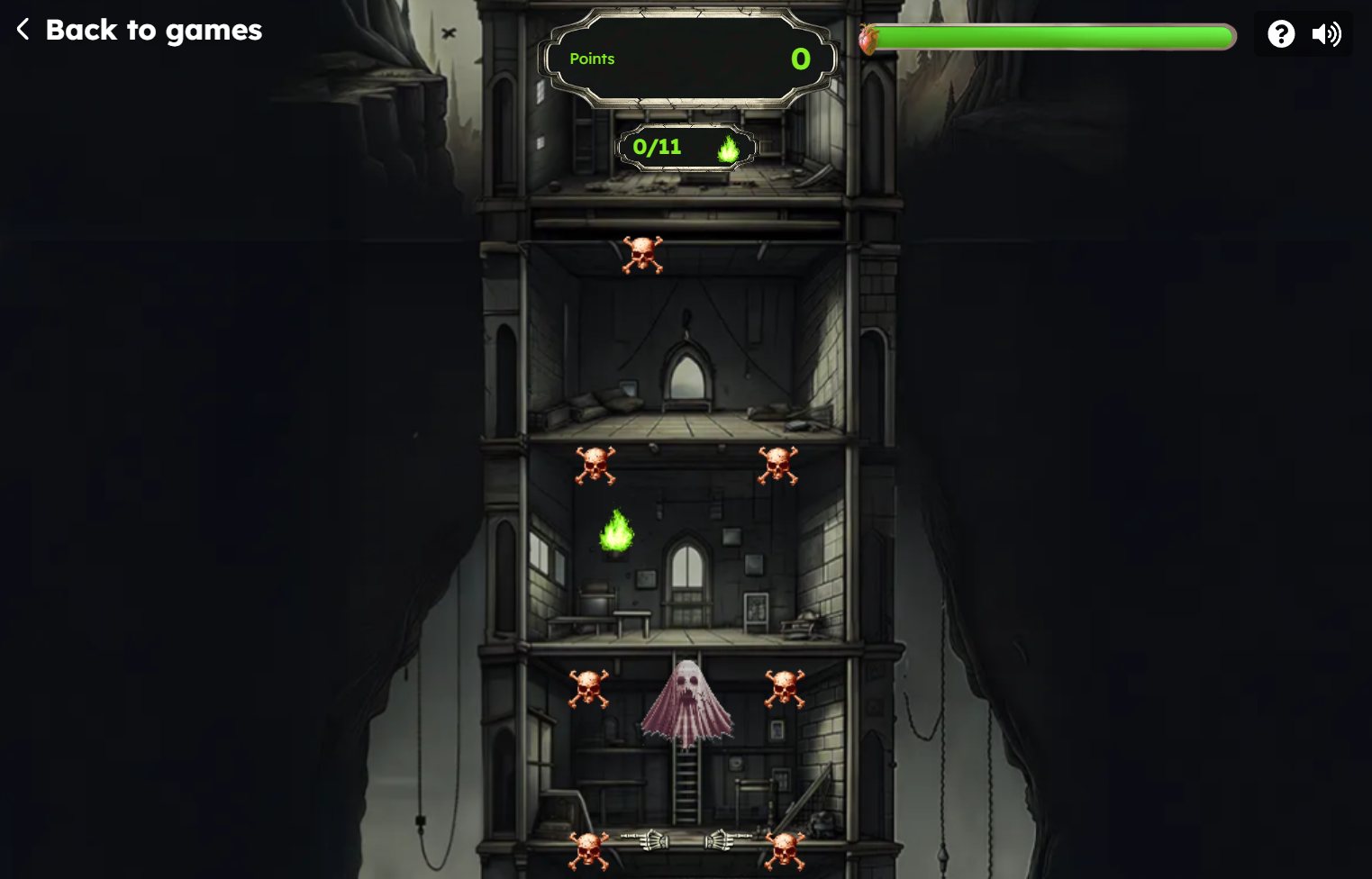
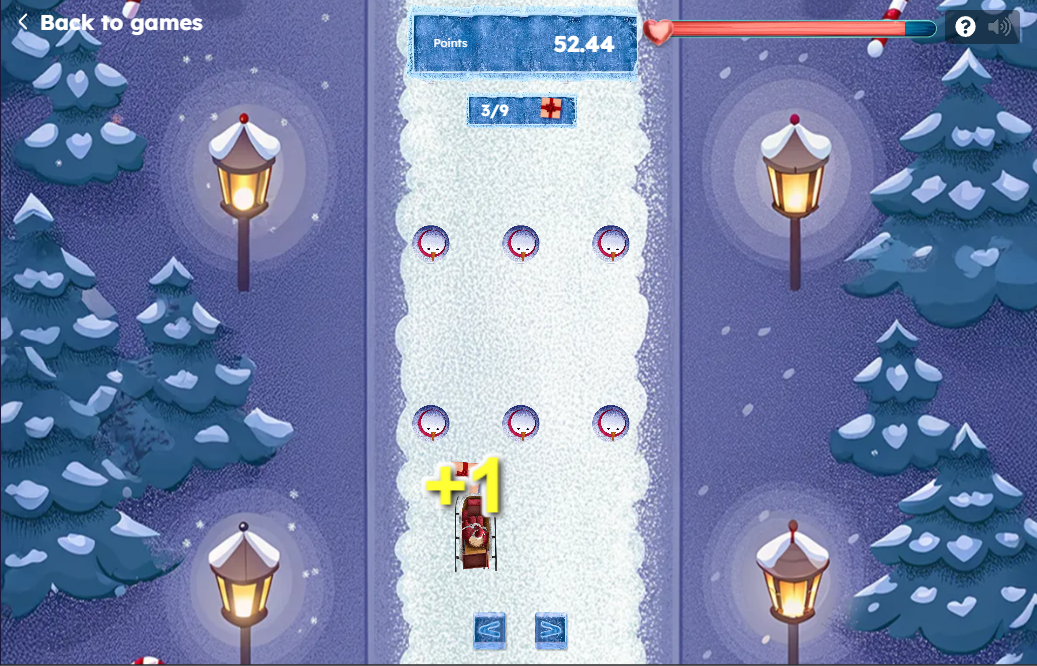
For the **'Voyager,'** you need to upload a set of images using the reference package from the archive. Below you can find our global skins, which are available in the Back Office. If you'd like to customize them, you can use the reference packages provided:
{% file src="/files/Ii8EdrgqrfStmiK5dxhS" %}
{% file src="/files/VFLeuBpNCASDFIcsWJ6V" %}
{% file src="/files/1hMgqsbJTJp81e4hZiHU" %}
{% file src="/files/xaAL95Qf3MYgrSXO80x8" %}
{% file src="/files/0xjeZPJltgJQxtsbLcKt" %}
{% file src="/files/gyv2pYEol7KNSmr3xGM7" %}
{% file src="/files/TsfAHOYhuXk9fGx37RfZ" %}
{% file src="/files/1H9Wi4RN048Zi9r6zOAj" %}
{% file src="/files/jNXoIUCr1hZWAru5HGzB" %}
### Animated Main Object
Voyager supports animated main objects. You can make the main moving object (plane, boat, car, etc.) animated using sprite animation instead of a static image. This allows you to create more dynamic and visually engaging game experiences.
### Required Asset Package Structure
A Voyager skin package requires specific image and audio files. All files must match exact filenames:
* **Backgrounds & Stages:** `game-bg.png` (Desktop background), `game-bg-mob.png` (Mobile background), `start-desktop.png` / `start-mob.png` (Start platform), `finish-desktop.png` / `finish-mob.png` (Finish line).
* **Game Objects:** `moving-object.png` (Main character/vehicle — static image or 400×400 px sprite sheet), `bumping-object.png` (Obstacles), `active-box.png` (Prize tile), `winnings-box.png` (Opened prize), `moving-object-effect.png` (Particle/wake trail).
* **Life Bar & HUD:** `life-bar-background.png`, `life-bar-fill.png`, `life-icon.png`, `move-left.png`, `move-right.png`.
* **Modifiers:** `multiply-two.png`, `multiply-five.png`, `multiply-ten.png`, `divide-two.png`, `divide-five.png`, `divide-ten.png`, `zero-modifier.png`, `reset.png`.
* **UI Elements:** `promo-image.png`, `ico.png`, `prize-no-image.png`, 9-slice popup graphics (`popup_bg_*.png`), and button states (`button_primary_bg_*.png`, `button_secondary_bg_*.png`).
* **Audio Effects (.mp3):** `voyager-background.mp3`, `bump.mp3`, `box-opening.mp3`, `empty-box.mp3`, `positive-modifier.mp3`, `negative-modifier.mp3`, `reset-modifier.mp3`, `you-won.mp3`, `you-lose.mp3`, `button-click.mp3`.
**What is Sprite Animation?**
Sprite animation is a technique where multiple frames are combined into a single image file (sprite sheet). These frames are displayed sequentially to create the illusion of movement.\
Instead of uploading separate images, all animation frames must be merged into one sprite sheet.
**Technical Requirements**
Each frame must be exactly 400 x 400 pixels.
All frames must have:
* The same width and height
* The object positioned consistently (no shifting between frames)
* Background should remain transparent (if required by your template)
Consistency is critical. If one frame has a different size or alignment, the animation will appear to “jump.”
**How to Prepare the Animation**
1. First, create the sprite animation frame by frame.
2. Each frame must be 400 × 400 px.
3. All frames must have identical dimensions and alignment.
4. Combine all frames horizontally into a single horizontal strip (sprite sheet), arranged left-to-right in animation order.
5. Save and export the final sprite sheet.
6. Upload the sprite sheet as picture for the main object asset.
### Frequently Asked Questions
**Can I upload the reference package as a .zip file directly?**
No. Reference packages downloaded from this page must be extracted first. Upload the unpacked folder of image and audio files into the **Skin images** field in the Back-Office.
**How can I adjust popup text size and styling?**
Open your skin in **Gamification** → **Mini games' skins** and click the **Custom CSS** button. You can add custom CSS rules to adjust modal titles, prize text, and button styles with live preview.
---
# Agent Instructions
This documentation is published with GitBook. GitBook is the documentation platform designed so that both humans and AI agents can read, navigate, and reason over technical content effectively. Learn more at gitbook.com.
## Querying This Documentation
If you need additional information that is not directly available in this page, you can query the documentation by asking a question.
Perform an HTTP GET request on the following URL with the `ask` and `goal` query parameters:
```
GET https://help.smartico.ai/welcome/products/mini-games/custom-skins-for-mini-games/voyager-skins.md?ask=&goal=
```
`ask` is the immediate question: it should be specific, self-contained, and written in natural language.
`goal` is what the user is ultimately trying to achieve, the reason they need the answer. Sharing it helps GitBook give you a better, more relevant answer. A goal is most helpful when it describes the outcome the user wants rather than restating the question. For example, with `ask=how do I create an API token`, a goal like `automate deployments from our CI pipeline` lets GitBook tailor the answer to that use case.
The response will contain a direct answer to the question and relevant excerpts and sources from the documentation.
Use this mechanism when the answer is not explicitly present in the current page, you need clarification or additional context, or you want to retrieve related documentation sections.




%201.png?alt=media)

%202.png?alt=media)


