> For the complete documentation index, see [llms.txt](https://help.smartico.ai/welcome/llms.txt). Markdown versions of documentation pages are available by appending `.md` to page URLs; this page is available as [Markdown](https://help.smartico.ai/welcome/products/mini-games/custom-skins-for-mini-games/treasure-hunt-skins.md).

# Treasure Hunt Skins

{% hint style="success" %}
We can provide a Figma template for Mini-games skins upon request.

Please note that any images exported from the template must be compressed before uploading them to the BO. You can use [this link](https://tinypng.com/) to compress your images.

For further assistance, please contact your Customer Success Manager!
{% endhint %}

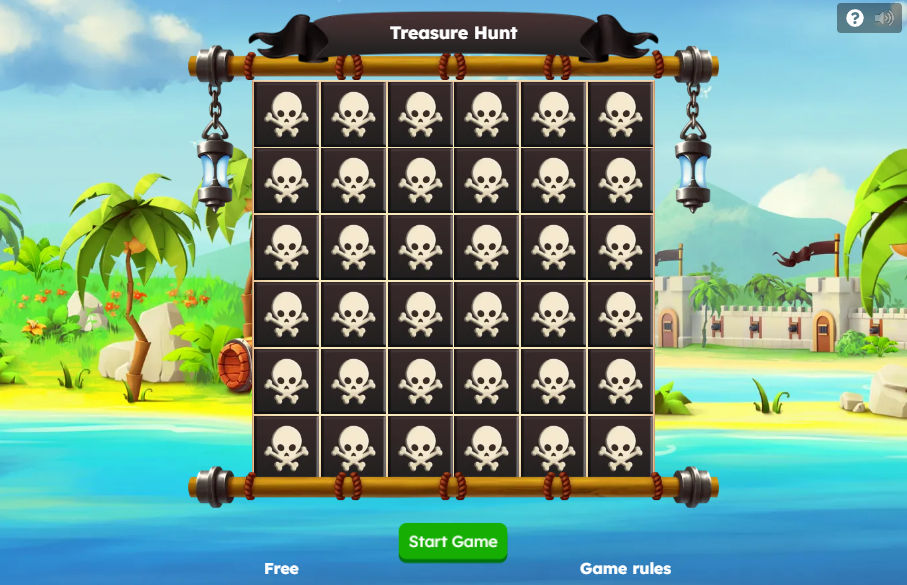
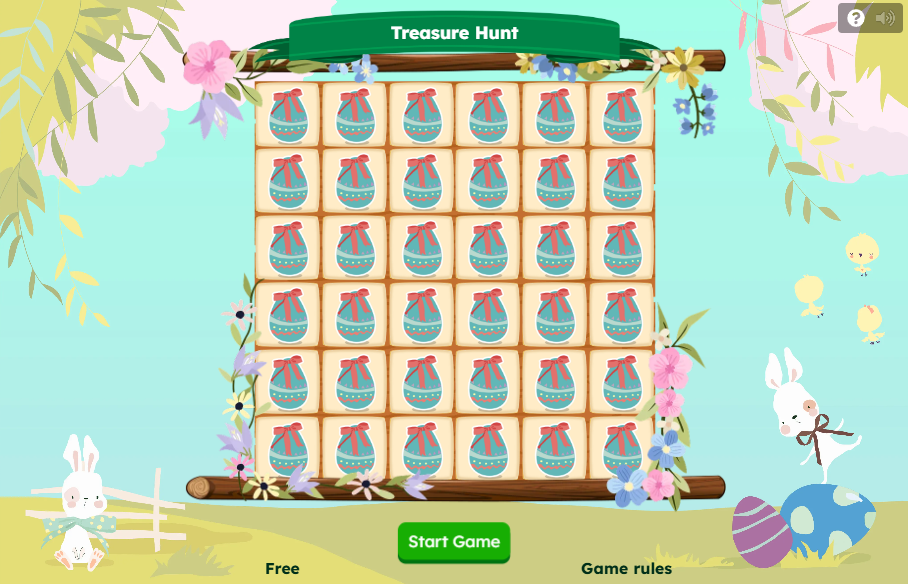
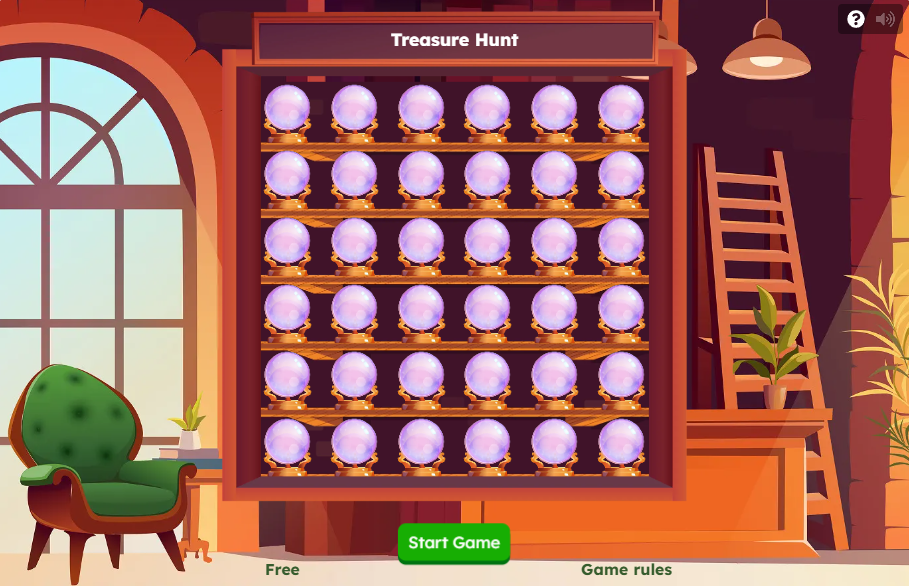
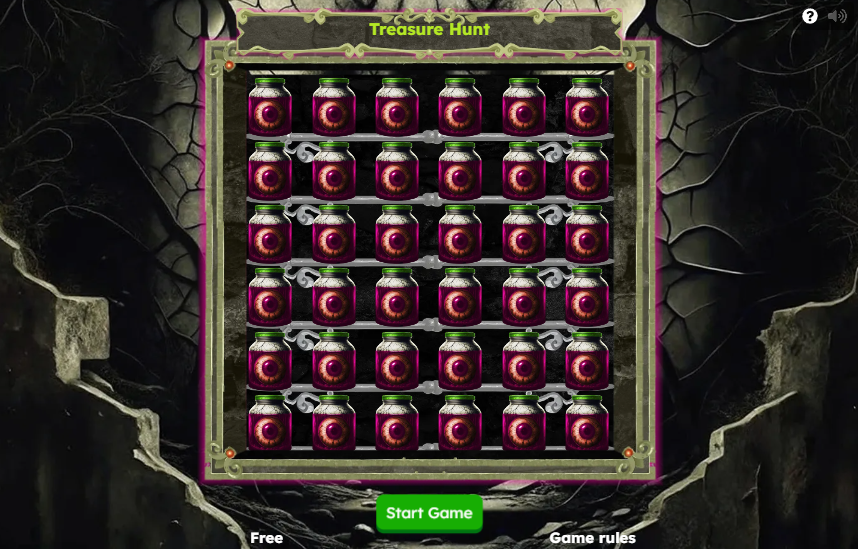
For the **'Treasure hunt,'** you need to upload a set of images using the reference package from the archive. Below you can find our global skins, which are available in the Back Office. If you'd like to customize them, you can use the reference packages provided:

### Creating and Uploading Custom Skins

To create and upload a custom Treasure Hunt skin:

1. In the Back-Office, navigate to **Gamification** → **Mini games skin** and click **Add New**.
2. Set the game type to **Treasure Hunt** and enter a **Skin name**.
3. In the **Skin images** section, upload the unpacked folder containing all required image and audio assets. Do not upload the `.zip` archive directly; extract all assets to a folder before uploading.
4. The system validates all uploaded files against required filenames, formats, and dimensions, displaying alerts for any missing or extra files.
5. Save the skin. To apply it, go to **Gamification** → **Mini-games**, edit your Treasure Hunt template, and choose your custom skin from the **Skin** selector.

{% file src="/files/vt6Dob0mp25kWOzkaptv" %}

<figure><img src="https://77049817-files.gitbook.io/~/files/v0/b/gitbook-x-prod.appspot.com/o/spaces%2FfS5hl0PiysHtKAKMsQTe%2Fuploads%2Ftr6eitZxUnvQ8dHJB5Xz%2Fimage.png?alt=media&amp;token=aded39ef-8373-48d8-a1c5-becd18ecc31c" alt="" width="375"><figcaption><p>Treasure hunt - Summer hunt</p></figcaption></figure>

{% file src="/files/TCraqAStNSv2HwtheGqW" %}

<figure><img src="https://77049817-files.gitbook.io/~/files/v0/b/gitbook-x-prod.appspot.com/o/spaces%2FfS5hl0PiysHtKAKMsQTe%2Fuploads%2Fy9MAE1GafhByFcrMs0FZ%2Fimage.png?alt=media&amp;token=43048085-1366-42a8-9952-7404d91ebf82" alt="" width="375"><figcaption><p>Treasure hunt - Egypt Hunt</p></figcaption></figure>

{% file src="/files/natPlBjbEuQT4HfNkaN1" %}

<figure><img src="https://77049817-files.gitbook.io/~/files/v0/b/gitbook-x-prod.appspot.com/o/spaces%2FfS5hl0PiysHtKAKMsQTe%2Fuploads%2Fgit-blob-f85a3becdbaed5ff6d20bf8a9209b7840d7d5eaa%2FTreasure%20Hunt.png?alt=media" alt="" width="375"><figcaption><p>Treasure hunt - Base skin</p></figcaption></figure>

{% file src="/files/3MR9tAbfmXSwdGKcIrXm" %}

<figure><img src="https://77049817-files.gitbook.io/~/files/v0/b/gitbook-x-prod.appspot.com/o/spaces%2FfS5hl0PiysHtKAKMsQTe%2Fuploads%2Fgit-blob-2921f92fa47fc29fe6973ce9a9544f641f94bad9%2FTreasure%20Hunt%20-%20Easter%20Hunt.png?alt=media" alt="" width="375"><figcaption><p>Treasure hunt - Easter skin</p></figcaption></figure>

{% file src="/files/qxU2yJITTXWke2ZYlj3G" %}

<figure><img src="https://77049817-files.gitbook.io/~/files/v0/b/gitbook-x-prod.appspot.com/o/spaces%2FfS5hl0PiysHtKAKMsQTe%2Fuploads%2Fgit-blob-778cb1404b799cc599c11bc3f444f22200626be6%2FTreasure%20Hunt%20-%20Fortune%20Teller.png?alt=media" alt="" width="375"><figcaption><p>Treasure hunt - Fortune Teller 2025 skin</p></figcaption></figure>

{% file src="/files/izdAv3UZR9ASL63Htvft" %}

<figure><img src="https://77049817-files.gitbook.io/~/files/v0/b/gitbook-x-prod.appspot.com/o/spaces%2FfS5hl0PiysHtKAKMsQTe%2Fuploads%2Fgit-blob-c1528832b05a936391a09c009e7ef1fdbef32ecd%2FScreenshot_30.png?alt=media" alt="" width="375"><figcaption><p>Treasure hunt - The watching jars 2025 skin</p></figcaption></figure>

{% file src="/files/zexDsFwY5cfoutYyZaXj" %}

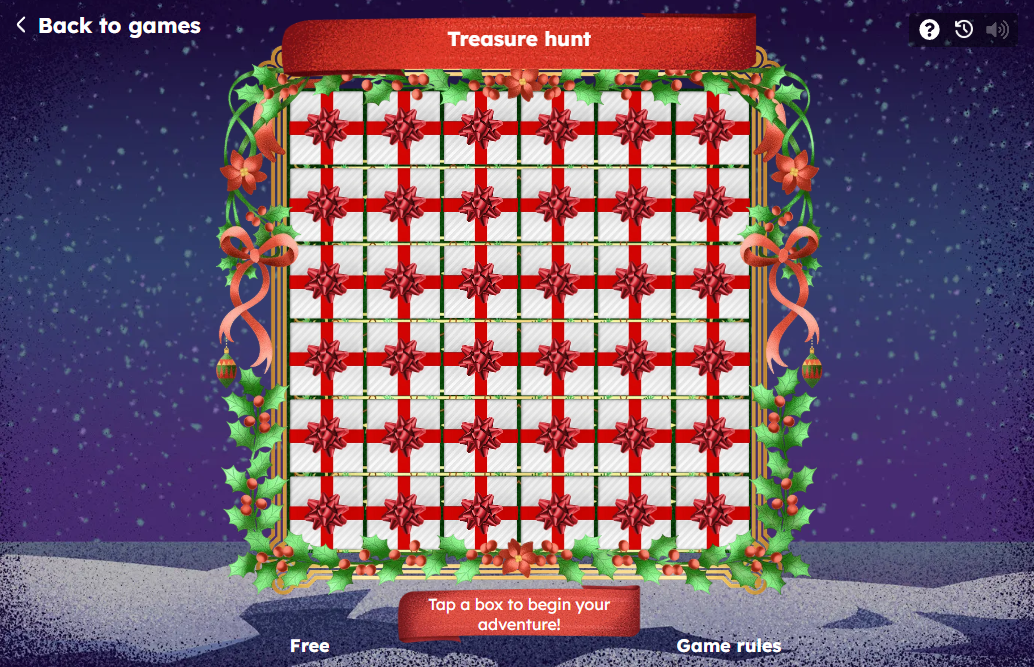
<figure><img src="https://77049817-files.gitbook.io/~/files/v0/b/gitbook-x-prod.appspot.com/o/spaces%2FfS5hl0PiysHtKAKMsQTe%2Fuploads%2Fgit-blob-b7951bf7f631f8bcd95d75141ae117a76637b8b4%2FScreenshot_18.png?alt=media" alt="" width="375"><figcaption><p>Treasure hunt - Christmas 2025 skin</p></figcaption></figure>

{% file src="/files/mVuceNVKXK3WW7s2GGYA" %}

### Asset Requirements & File Naming

Custom Treasure Hunt skins require specific filenames and formats:

* **Backgrounds**: `bg-compose.jpeg` (desktop) and `bg-compose-mob.jpeg` (mobile). Backgrounds must use the 4-letter `.jpeg` extension (files named `.jpg` fail validation).
* **Game Frame & UI**: `frame-desktop.png`, `frame-mobile.png`, `header-title-desktop.png`, `header-title-mobile.png`, `tiles-container.png`, `tiles-container-mobile.png`, `winnings-box.png`, `ico.png`, `promo-image.png`, and `prize-no-image.png`.
* **Tiles & Animations**: `closed-tile.png` (active unopened tile), `closed-tile-disabled.png` (disabled/zero attempts tile), `opened-tile.png` (empty opened tile), `tile-projectile.png`, `end-game-win.png`, and `end-game-lose.png`.
* **Modifiers**: `multiply-two.png` (2x), `multiply-five.png` (5x), `multiply-ten.png` (10x), `divide-two.png` (/2), `divide-five.png` (/5), `divide-ten.png` (/10), and `reset.png` (reset to 0).
* **Pop-Up Assets**: When *Use new pop-ups* is enabled, include the 9-slice pop-up background slices (`popup_bg_top_left.png`, `popup_bg_top.png`, `popup_bg_top_right.png`, `popup_bg_left.png`, `popup_bg_center.png`, `popup_bg_right.png`, `popup_bg_bottom_left.png`, `popup_bg_bottom.png`, `popup_bg_bottom_right.png`) and button background parts (`button_primary_bg_*.png`, `button_secondary_bg_*.png`).

### Audio Specifications

Treasure Hunt supports custom sound effects and background music in MP3 format (maximum file size 1 MB per file):

* `positive-modifier.mp3` — played when a multiplier (2x, 5x, 10x) is revealed.
* `negative-modifier.mp3` — played when a divider (/2, /5, /10) is revealed.
* `reset-modifier.mp3` — played when a reset modifier is revealed.
* `empty-tile.mp3` — played when an empty (0x) tile is opened.
* `tile-opening.mp3` — played when an addition number tile is opened.
* `you-won.mp3` and `you-lose.mp3` — played when the game finishes with a win or no-prize outcome.
* `treasure-hunt-background.mp3` — looping background music during gameplay.

### Custom CSS Styling

Custom styling can be added via the **Custom CSS** modal in the skin editor to modify fonts, text colors, button appearances, or hide specific UI elements:

* `.treasure-title` — header title text (can be hidden with `display: none !important;`).
* `.treasure-game-container .treasure-content .treasure-grid .treasure-number` — text style of numbers revealed on opened tiles.
* `.treasure-footer .treasure-footer-content .treasure-game-cost` — attempt cost display.
* `.treasure-action .treasure-button-container .treasure-button-area` — action button styling.
* `.treasure-action .treasure-prize-container .treasure-prize` and `.treasure-prize-name` — dynamic prize accumulation display.
* Google Fonts can be imported directly at the top of the CSS editor using `@import url('...');`.

### Frequently Asked Questions

**Why are my uploaded skin images failing validation or showing as unused?**

Ensure you extract the ZIP archive and upload the unpacked folder of files. In addition, verify that filenames match the exact case-sensitive names listed in the reference package and that background images use the `.jpeg` extension (not `.jpg`).

**How do I hide the game title in Treasure Hunt?**

In **Gamification** → **Mini games skin**, open your skin's **Custom CSS** editor and add:

```css
.treasure-title {
  display: none !important;
}
```

**Can different Treasure Hunt mini-games have different skins?**

Yes. Each mini-game template configured under **Gamification** → **Mini-games** has an independent **Skin** setting, allowing you to run multiple Treasure Hunt mini-games with different visual themes simultaneously.

<figure><img src="https://77049817-files.gitbook.io/~/files/v0/b/gitbook-x-prod.appspot.com/o/spaces%2FfS5hl0PiysHtKAKMsQTe%2Fuploads%2FJrbHM84lw7nxf4jjNZ7v%2Fimage.png?alt=media&amp;token=54547ffa-94a4-42a6-b983-2b8dab29e5d4" alt="" width="375"><figcaption></figcaption></figure>


---

# Agent Instructions
This documentation is published with GitBook. GitBook is the documentation platform designed so that both humans and AI agents can read, navigate, and reason over technical content effectively. Learn more at gitbook.com.

## Querying This Documentation
If you need additional information that is not directly available in this page, you can query the documentation by asking a question.

Perform an HTTP GET request on the following URL with the `ask` and `goal` query parameters:

```
GET https://help.smartico.ai/welcome/products/mini-games/custom-skins-for-mini-games/treasure-hunt-skins.md?ask=<question>&goal=<user_goal>
```

`ask` is the immediate question: it should be specific, self-contained, and written in natural language.
`goal` is what the user is ultimately trying to achieve, the reason they need the answer. Sharing it helps GitBook give you a better, more relevant answer. A goal is most helpful when it describes the outcome the user wants rather than restating the question. For example, with `ask=how do I create an API token`, a goal like `automate deployments from our CI pipeline` lets GitBook tailor the answer to that use case.

The response will contain a direct answer to the question and relevant excerpts and sources from the documentation.

Use this mechanism when the answer is not explicitly present in the current page, you need clarification or additional context, or you want to retrieve related documentation sections.