> For the complete documentation index, see [llms.txt](https://help.smartico.ai/welcome/llms.txt). Markdown versions of documentation pages are available by appending `.md` to page URLs; this page is available as [Markdown](https://help.smartico.ai/welcome/products/mini-games/custom-skins-for-mini-games/ballanza-skins.md).
# Ballanza Skins
{% hint style="success" %}
We can provide a Figma template for Mini-games skins upon request.
Please note that any images exported from the template must be compressed before uploading them to the BO. You can use [this link](https://tinypng.com/) to compress your images.
For further assistance, please contact your Customer Success Manager!
{% endhint %}
For **Ballanza**, you need to upload a set of images using the reference package from the archive. Below you can find our global skins, which are available in the Back Office. If you'd like to customize them, you can use the reference packages provided:
{% file src="/files/AVBxf7gDj7t7IcVfp9OJ" %}
Ballanza - Summer time
{% file src="/files/OBr5L1ESwliqZLobn5Pb" %}
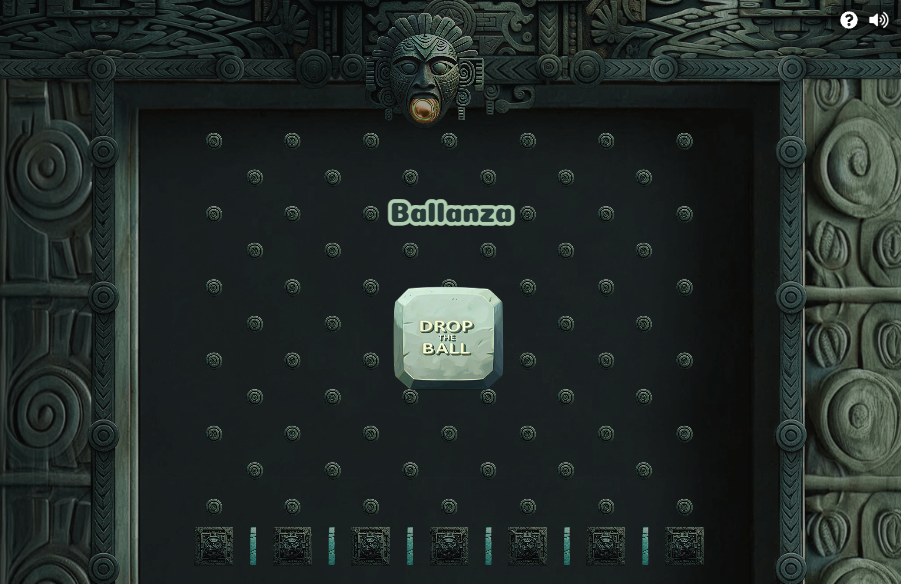
Ballanza - Temple Ballanza skin
{% file src="/files/zuaRy6PiH2wvfNQg7nDO" %}
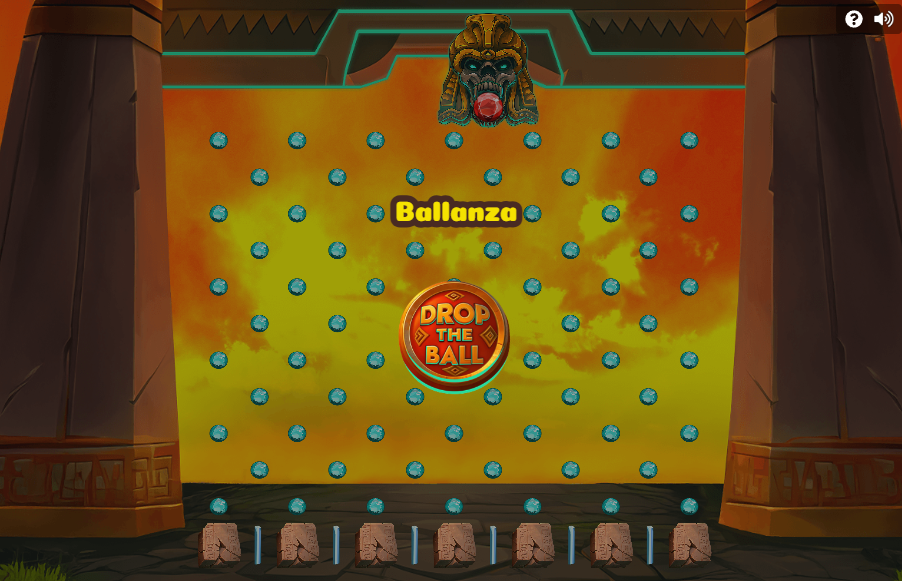
Ballanza - Anubis Ballanza skin
{% file src="/files/8zNBlij9IYEJYRMx5RXx" %}
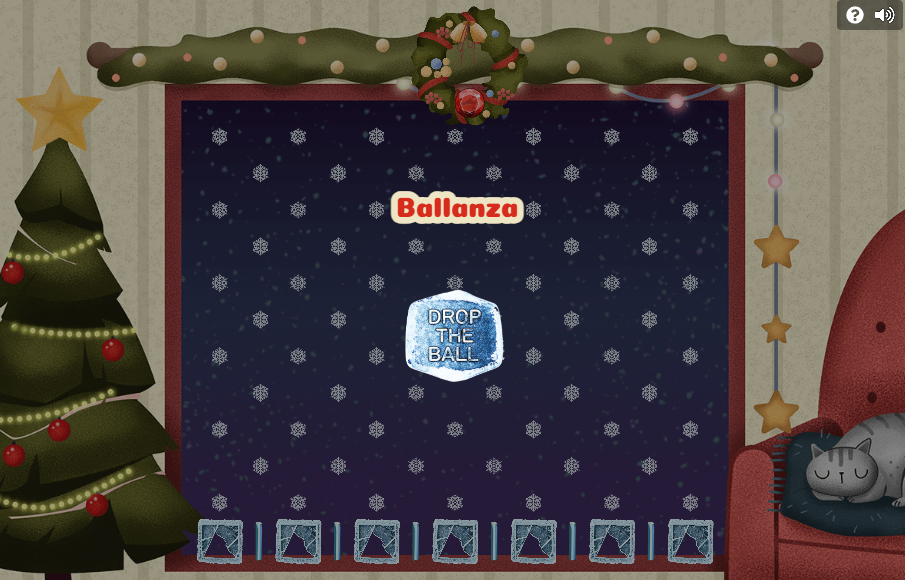
Ballanza - Snowdrop Saga skin
{% file src="/files/gHGdr6QIqoCqfdnxftct" %}
*(Skin Name: Ballanza - Easter)*
{% file src="/files/aQHrjqhPHpXhS4i3IgIx" %}
*(Skin Name: Ballanza - Temple of Champions (Football))*
### Required Assets in a Ballanza Skin Package
A Ballanza skin package consists of game graphics, UI elements, audio effects, and modal popups. All filenames are case-sensitive and must match the reference structure exactly:
* **Game Graphics**: `game-bg.png` (desktop background), `game-bg-mob.png` (mobile background), `nails.png` (pegboard pins), `ball.png` (dropping ball), `top-dropper.png` (upper funnel), `dropper.png` (lower funnel), `start-button.png` (play button), `divider.png` (bottom prize dividers), and `prize-no-image.png` (fallback prize icon).
* **Lobby & Marketing**: `ico.png` (icon thumbnail) and `promo-image.png` (promotional banner).
* **Audio Effects**: `ball-fall.mp3`, `click.mp3`, `bumping.mp3`, `slide.mp3`, `prize-sound.mp3`, and `ballanza-background.mp3`.
* **Popup & UI Components**: 9-slice popup background tiles (`popup_bg_top_left.png`, `popup_bg_top.png`, `popup_bg_top_right.png`, `popup_bg_left.png`, `popup_bg_center.png`, `popup_bg_right.png`, `popup_bg_bottom_left.png`, `popup_bg_bottom.png`, `popup_bg_bottom_right.png`) and 3-slice primary/secondary button frames (`button_primary_bg_*.png`, `button_secondary_bg_*.png`).
### Creating and Applying a Custom Ballanza Skin
1. **Create Skin**: In the Back Office, navigate to **Gamification** → **Mini-games skins** and click **Create Skin**. Select **Ballanza** as the game type.
2. **Upload Assets**: Drag and drop the unpacked asset files into the **Skin images** folder uploader. The validator will check that all required files and audio tracks are present.
3. **Assign to Mini-Game**: Navigate to **Gamification** → **Mini-games**, open or create a Ballanza mini-game template, go to the **General** tab, and select your custom skin from the **Skin** dropdown.
### Custom CSS Styling
You can customize the appearance of text and overlay elements using the **Custom CSS** editor in the skin settings:
* `.ballanza-game-cost` — Styles the spin cost and point price display.
* `.ballanza-no-attempts` — Styles the message shown when a player has no remaining drop attempts.
* `.countdown-timer-message` — Styles the countdown timer until the next attempt is available.
* `.saw-modal-title` and `.saw-modal-body-content` — Styles the title and body text of the rules popup.
* `.plinko-overlay .map-header-title .map-title` — Styles the game header title, or hides it if you use a title baked into `game-bg.png`.
---
# Agent Instructions
This documentation is published with GitBook. GitBook is the documentation platform designed so that both humans and AI agents can read, navigate, and reason over technical content effectively. Learn more at gitbook.com.
## Querying This Documentation
If you need additional information that is not directly available in this page, you can query the documentation by asking a question.
Perform an HTTP GET request on the following URL with the `ask` and `goal` query parameters:
```
GET https://help.smartico.ai/welcome/products/mini-games/custom-skins-for-mini-games/ballanza-skins.md?ask=&goal=
```
`ask` is the immediate question: it should be specific, self-contained, and written in natural language.
`goal` is what the user is ultimately trying to achieve, the reason they need the answer. Sharing it helps GitBook give you a better, more relevant answer. A goal is most helpful when it describes the outcome the user wants rather than restating the question. For example, with `ask=how do I create an API token`, a goal like `automate deployments from our CI pipeline` lets GitBook tailor the answer to that use case.
The response will contain a direct answer to the question and relevant excerpts and sources from the documentation.
Use this mechanism when the answer is not explicitly present in the current page, you need clarification or additional context, or you want to retrieve related documentation sections.