> For the complete documentation index, see [llms.txt](https://help.smartico.ai/welcome/llms.txt). Markdown versions of documentation pages are available by appending `.md` to page URLs; this page is available as [Markdown](https://help.smartico.ai/welcome/products/ai-models/ai-enhancer.md).
# AI Enhancer
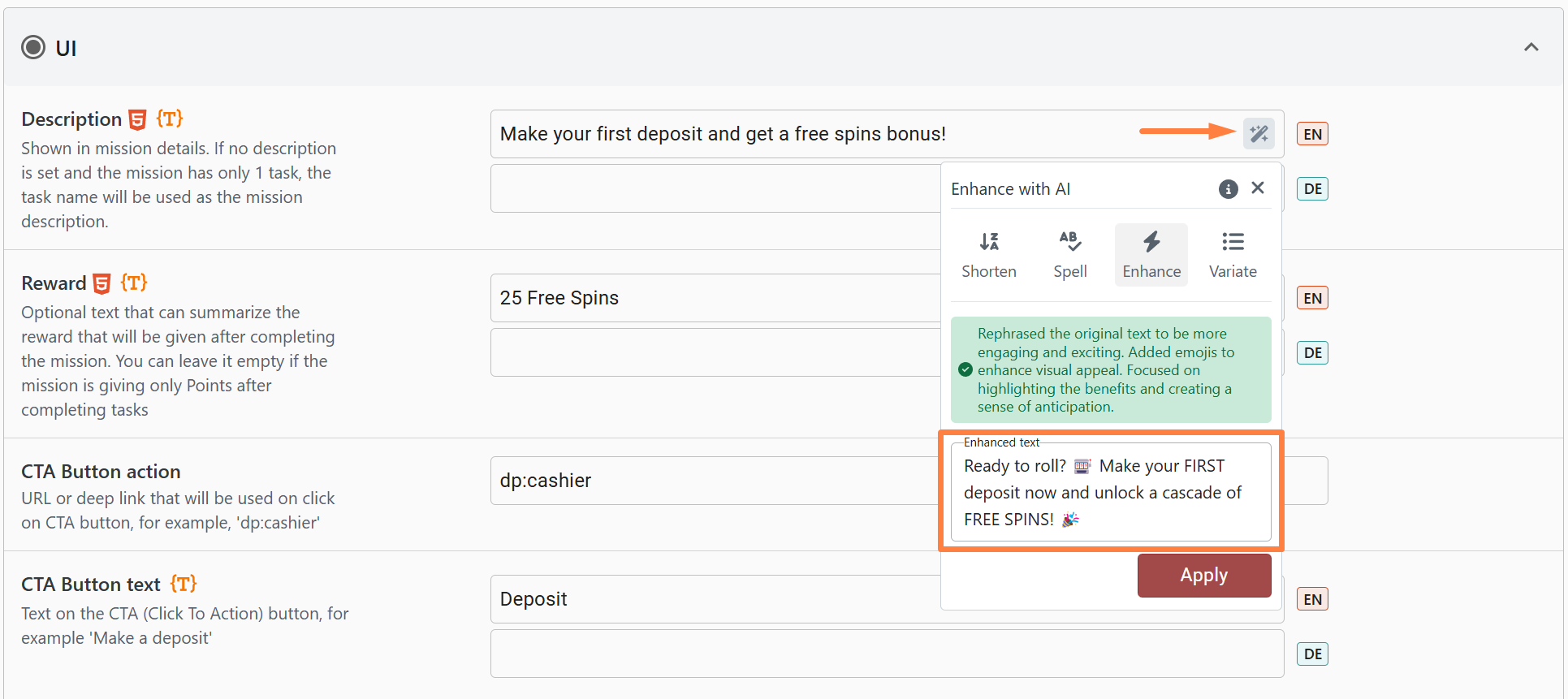
The Backoffice AI Enhancer is a built-in assistant designed to help you create, refine, and translate content across the Back-Office. It assists with writing descriptions, promo texts, terms & conditions, and rules from scratch (Invent), enhancing tone and adding emojis (Enhance), shortening text (Shorten), checking spelling and grammar with visual diff comparisons (Spell), generating alternative copies (Variate), translating across languages (Translate and Auto Translate), and validating HTML markup and Liquid syntax (Validate HTML).
For example, if you're crafting a mission description, the AI Enhancer can make it more engaging and exciting.
### Generating New Content (Invent) and Variations
When creating a new entity (such as a mission, badge, leaderboard, tournament, store item, or mini-game), you can use the **Invent** option to generate compelling titles, descriptions, call-to-action buttons, and rules from scratch. The AI automatically references existing active items within your brand to maintain consistent phrasing and structure.
The **Variate** option generates multiple creative alternatives of your existing text, allowing you to test different marketing angles and select the most engaging copy for your audience.
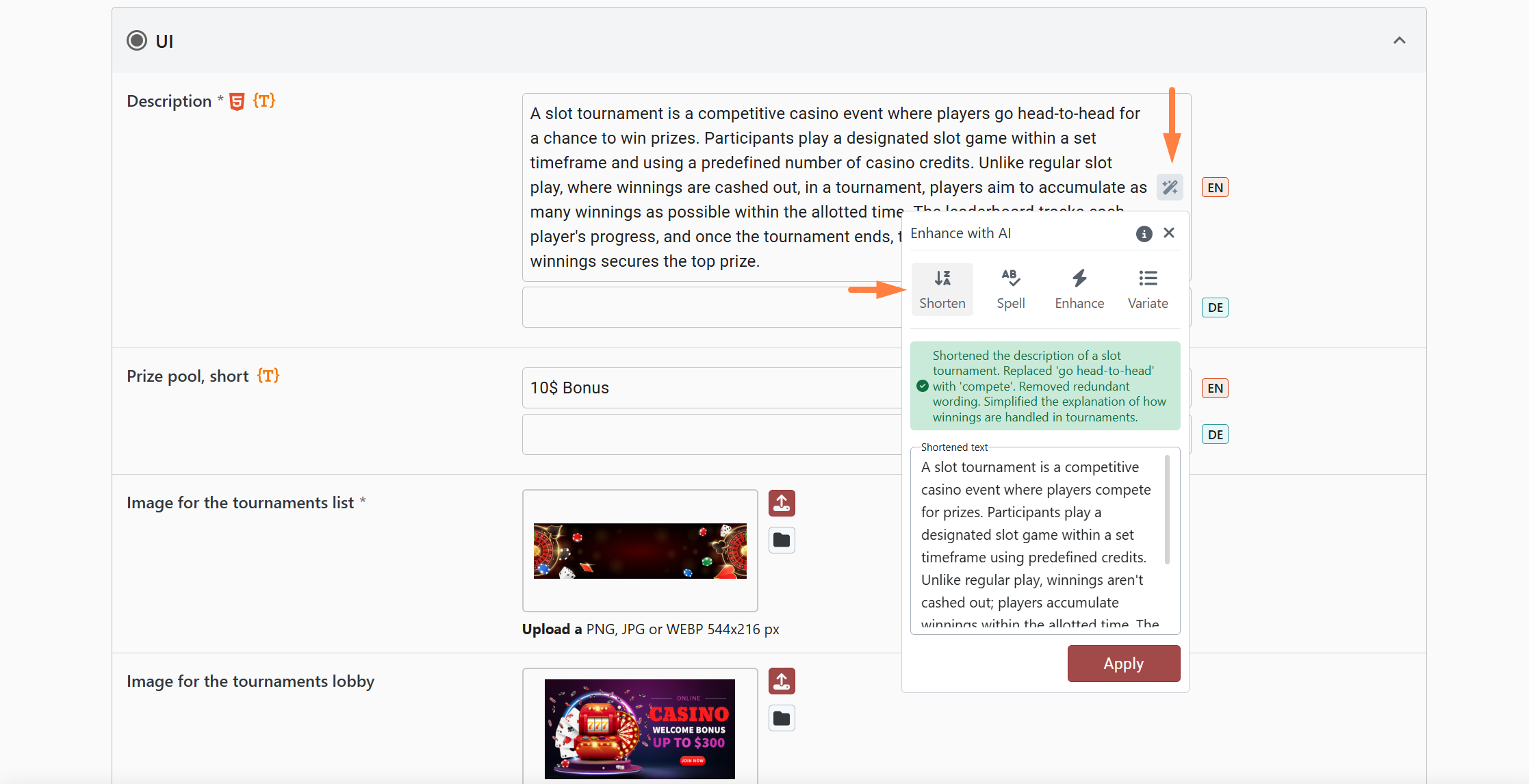
The shorten text option helps you to create clear, organized and concise rules, terms & conditions, descriptions, etc. It can be used in different places such as store items, missions, tournaments, and mini-games.
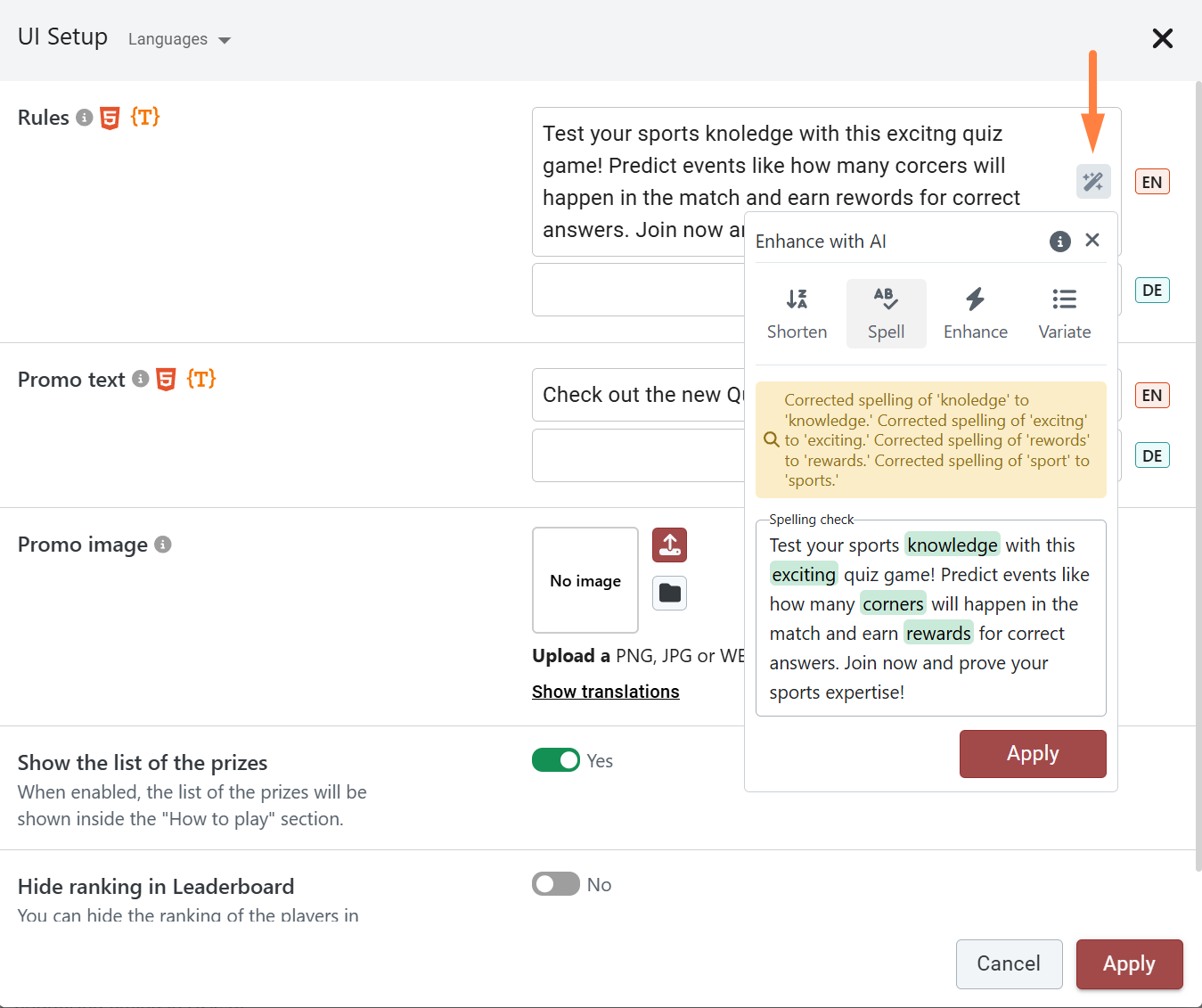
The built-in spelling check helps ensure your text is free of errors, making your content clear and professional.
### Interactive Diff Comparison
When running a spelling or grammar check, the AI Enhancer highlights exact word-level and tag-level changes. In expanded editor views, a side-by-side comparison modal displays your **Original** text alongside the **AI generated** result with interactive change navigation (**See changes** and **Go to next change**), allowing you to review each modification before clicking **Apply all**.
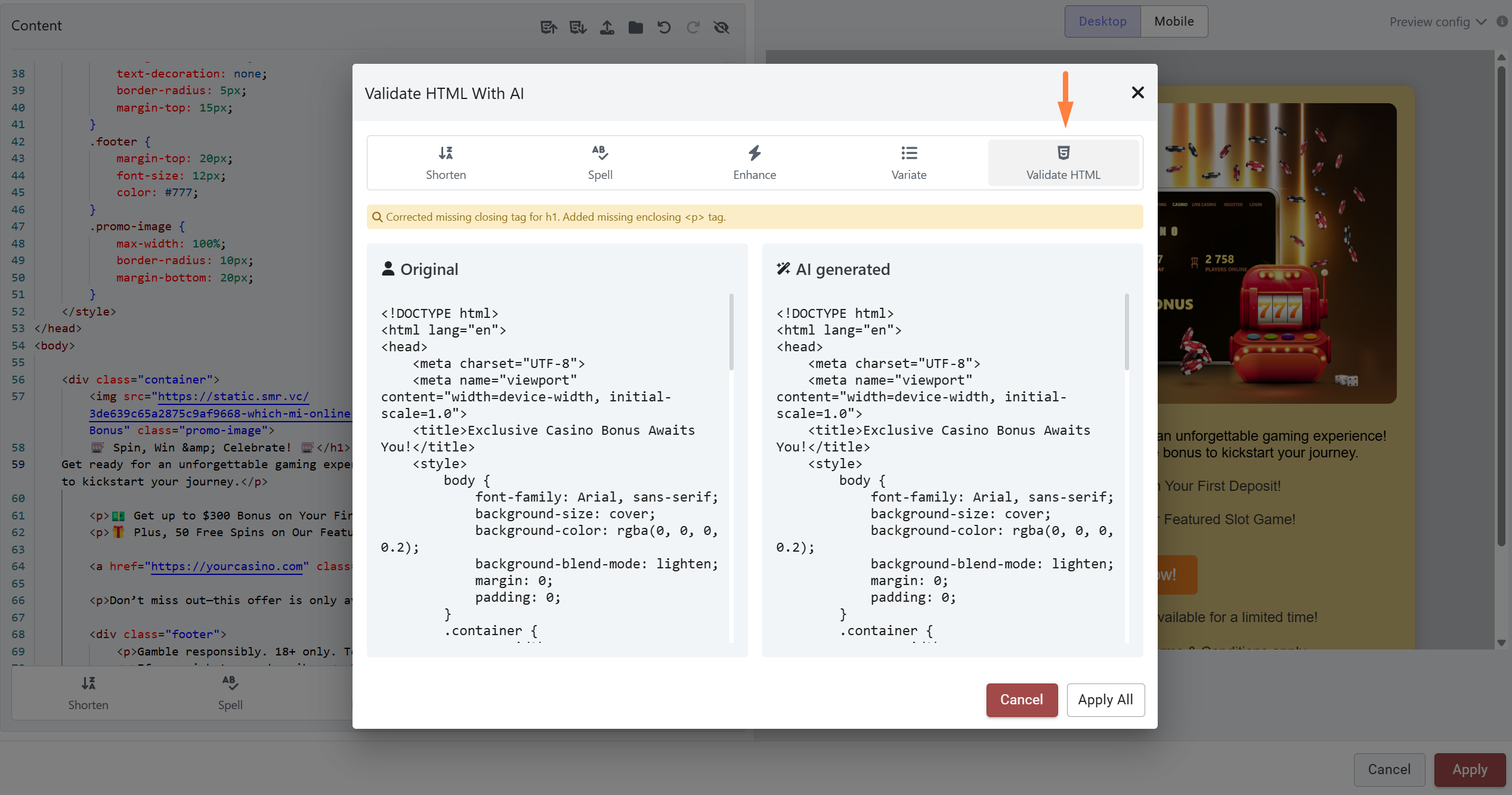
Additionally, the AI Enhancer is available in the email editor, where it can validate HTML and check for errors when creating HTML and Liquid emails, ensuring your messages are formatted correctly.
### Multi-Language Translation
For multilingual content (such as translatable campaign copy, tag variations, and widget text), the AI Enhancer provides seamless localization tools directly within the field popover:
* **Translate**: Automatically translates the content into the language of the currently active tab.
* **Auto Translate**: Translates your base language copy into all configured target languages for the label in a single click, populating each language variation automatically.
### HTML and Liquid Validation Rules
In code and template editors, the **Validate HTML** tool performs thorough structural checks:
* Automatically closes unclosed HTML tags and corrects invalid element attributes.
* Restructures incorrectly nested elements to follow HTML5 standards.
* Removes redundant or empty tags while preserving existing markup layout.
* Identifies and corrects syntax errors within embedded Liquid tags and variables.
*Note: AI operations in code editors are subject to a length limit of up to 8,000 tokens (approximately 30,000 characters). For larger templates, validate sections individually.*
### Frequently Asked Questions
**Where can I find the AI Enhancer in the Back-Office?**
The AI Enhancer is available across standard text inputs, multiline descriptions, translatable fields, and code editors throughout the Back-Office. Look for the magic wand icon inside or next to the field.
**Will using AI text options overwrite my HTML formatting?**
No. Text enhancement, shortening, spelling, and variation tools preserve your underlying HTML structure, attributes, and styles byte-for-byte, only modifying the readable text content inside tags.
**Why is the AI Enhancer button disabled or showing no options?**
Text modification actions (Shorten, Spell, Enhance, Variate) require text to be present in the field before they can be executed. If a field is empty, only content generation (Invent) or translation from a source field will be active.
**Does the AI understand my brand's specific context and rules?**
Yes. When generating or refining text, the AI Enhancer incorporates domain context for the specific entity being edited (e.g., missions, tournaments, mini-games) and references active examples from your brand to ensure relevance.
For predictive analytics and behavioral modeling tools, see \[\[products/ai-models]].
---
# Agent Instructions
This documentation is published with GitBook. GitBook is the documentation platform designed so that both humans and AI agents can read, navigate, and reason over technical content effectively. Learn more at gitbook.com.
## Querying This Documentation
If you need additional information that is not directly available in this page, you can query the documentation by asking a question.
Perform an HTTP GET request on the following URL with the `ask` and `goal` query parameters:
```
GET https://help.smartico.ai/welcome/products/ai-models/ai-enhancer.md?ask=&goal=
```
`ask` is the immediate question: it should be specific, self-contained, and written in natural language.
`goal` is what the user is ultimately trying to achieve, the reason they need the answer. Sharing it helps GitBook give you a better, more relevant answer. A goal is most helpful when it describes the outcome the user wants rather than restating the question. For example, with `ask=how do I create an API token`, a goal like `automate deployments from our CI pipeline` lets GitBook tailor the answer to that use case.
The response will contain a direct answer to the question and relevant excerpts and sources from the documentation.
Use this mechanism when the answer is not explicitly present in the current page, you need clarification or additional context, or you want to retrieve related documentation sections.